
Welcome to
We are excited to start a new school year with you! Below you will find HHS registration procedures and important dates. We look forward to seeing you soon!
TIME-SAVING PROCEDURES ARE IN PLACE FOR PARENT AND STUDENT CONVENIENCE:
If you do not need to complete the steps below, then there is no need to come to HHS once you have completed online registration. Just simply complete the online forms, and your student is all set.
This year, Canyons School District is introducing an upgraded version of our student information system, Skyward Qmlativ, designed with a more modern look, improved navigation, and a more intuitive, user-friendly experience to make registration and access to student information easier than ever.
Families will continue to log in through the same, secure Family Access they’ve used in the past.
Here are a few steps families can take now to ensure a smooth registration process:
NEW STUDENTS TO CANYONS: If your child is new to Canyons, and has never attended one of our schools, you will need to first create a Skyward Family Access account by completing the New Student Online Enrollment form. Your Skyward Family Access account is the gateway you’ll use this year, and every subsequent year, to register your children. Once you’ve created the account, starting on Aug. 3, you can then log in to Skyward and select New Student Enrollment to complete the back-to-school registration process for each child.
RETURNING STUDENTS: If your child has attended CSD in the past: You will use your Guardian Skyward Family Access ID and Password to begin the registration process. Families are encouraged to take a few minutes now to confirm they know their Family Access username and password before registration opens. If you’ve forgotten your password, you can reset it now through this link: Forgotten Username/Password Assistance. Families needing additional assistance, may contact their school or the Canyons Help Desk at 801-826-5544. Once logged into Skyward, simply follow the prompts and make personal identification updates as needed.
NEW STUDENTS TO CANYONS SCHOOL DISTRICT WILL NEED THE FOLLOWING DOCUMENTS FOR REGISTRATION:
Please bring all the items listed below to successfully register your student in person.
- Parent/Guardian Photo ID ( for example: Passport, Driver’s License )
- Child’s Certified Birth Certificate
- Immunization Records
- Custody Orders, Signed Court Papers / Guardianship- if the child does not live with birth parents.
Proof of Residency -Approved Forms
- Dated and Signed Lease Agreement/ Contract
- Current Utility Bill -electric/gas, water, cable, or internet bill (within 30 days)
- Withdrawal Form / Transcripts, If transferring from another school
New students must make an Appointment with Counseling after completing the enrollment / registration process. Registration must be completed 24 hours before the appointment (new students /class schedule changes are 1st come 1st serve)
Returning students needing a class schedule must make an appointment with their school counselor after they have completed the back to school registration. No appointments will be made without verification of the completed registration. Please contact the Counseling office for an appointment. (801) 826-6025
TIME-SAVING PROCEDURES ARE IN PLACE FOR PARENT AND STUDENT CONVENIENCE:
If you do not need to complete the steps below, then there is no need to come to HHS once you have completed online registration. Just simply complete the online forms, and your student is all set.
- Parking permit click HERE. Open to Juniors & Seniors. Complete the form, gather the required documents, and turn it all in at the main office.
- Nutrition fee waiver click HERE-please print the form, complete it, gather any required documents, and return it to the school.
- For class fee waiver (English), click HERE. Please print the form, complete it, gather any required documents, and turn it in at the HHS main office.
- Lockers are not mandatory. If students would like a locker, go to the Attendance Office to obtain a locker number and combo. This can be done at any time during office hours.
Registration assistance is available in English and Spanish on August 4 – 14, 8:00 a.m. – 2:00 p.m. For assistance with other languages, please contact Student Support Services at 801-826-6167
Important Dates
SCHOOL PHOTOS / ID for Grades 10-12
Monday, Tuesday, Wednesday
August 10-12, 8:00 a.m. – 12:00 p.m.
School ID & photos will be taken.
FRESHMAN ORIENTATION
Friday, August 14, 7:15 a.m. – 1:00 p.m.
School ID & photos will be taken.
Watch for more details to come via ParentSquare.
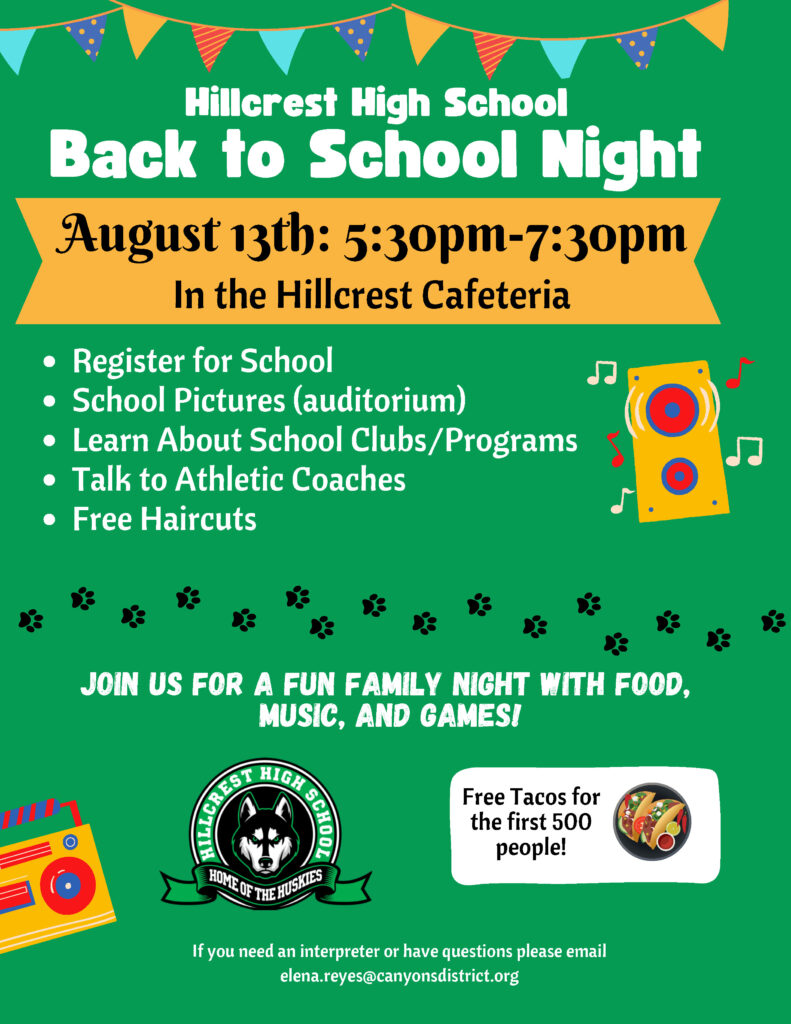
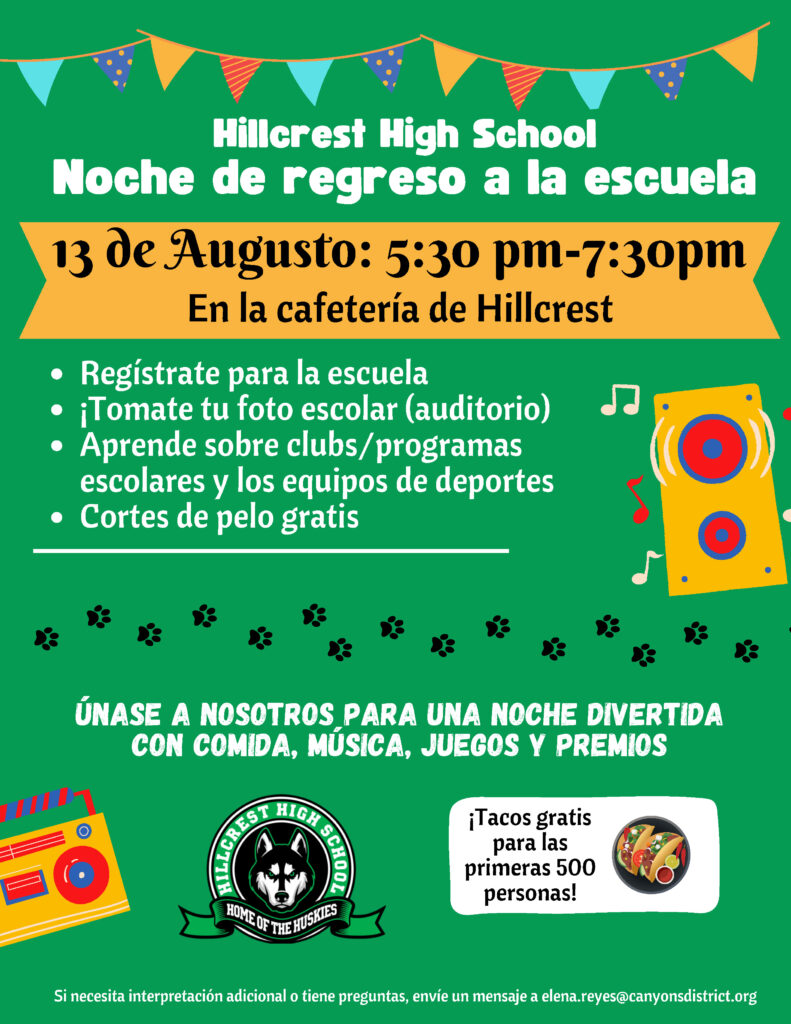
BACK-TO-SCHOOL NIGHT
Thursday, August 13, 5:00 – 7:30 p.m.
Please click here for more information.
ESSENTIAL SCHEDULE CHANGES ONLY
August 5th-6th & 11th – 13th, 1:00 – 3:00 p.m.
August 7th, 8 a.m. – 12 p.m.
For All Grades
August 4- Seniors only, 8 a.m. – 12:00 p.m.
SCHOOL PICTURE INFORMATION
Make-Up Day – September 9, 2026, 7:00 a.m. – 1:00 p.m.
Picture Retakes Day – October 7, 2026, 7:00 a.m. – 1:00 p.m.
FIRST DAY OF SCHOOL
Monday, August 17, 2026
7:45 a.m. – 2:20 p.m. Monday – Thursday
7:45 a.m. – 12:40 p.m. Friday Only
(View schedule here.)
Main Office
(801) 826-6000
- To make an appointment with the Principal
- Parking permit information
- Fee waivers/payments
- Inquire or pay class fees or fines
- Drop items off for students
Attendance Office
(801) 826-6010
- To make an appointment with your students’ vice principal
- To report a student as absent or tardy
- To arrange to check your student in/out of school
- To contact your student
- Enrolling at HHS or transferring out of HHS
- Pick up vacation leave forms, change address, or medical instructions
Counseling Office
(801) 826-6020
- Class changes
- Speak to a Counselor
- Scheduling questions
- Counselor questions
Registrar Office
(801) 826-6030
- Transcripts, grades, or report cards
- Immunization questions
- 504 Information
SPED Department
(801) 826- 6033
IEP inquiries and information
ParentSquare Notification
Please make sure to update your email.
Skyward Grade Book
Family Access ( Top Left Corner)